> ## Documentation Index
> Fetch the complete documentation index at: https://developer.quicko.com/llms.txt
> Use this file to discover all available pages before exploring further.
# Refer
> Lite integration workflow for hassle-free integration with Quicko
The Refer Integration Workflow is designed for channel partners seeking a hassle-free, minimal development effort integration with Quicko. This method primarily involves redirecting your user to our Income Tax Web Application.
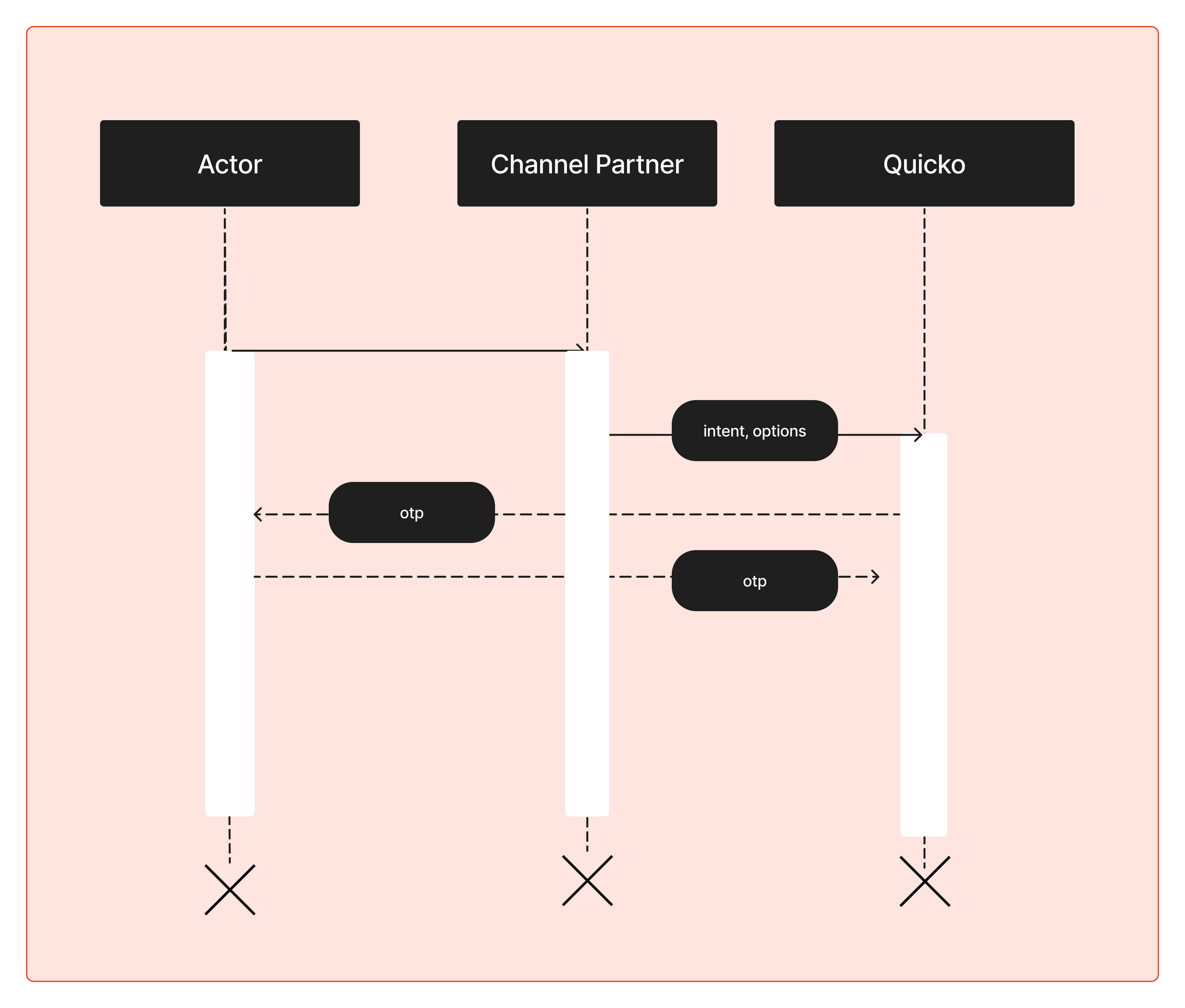 ## Workflow Overview
The redirect URL would look like:
```
https://it.quicko.com?affiliate_id={{YOUR_AFFILIATE_ID}}
```
An `affiliate_id` helps Quicko attribute a user conversion to you. You can also use your affiliate dashboard to keep track of all the conversions and transactions performed by the users attributed to you. To get started, head over to Clique.
Integrate a simple redirection mechanism in your system to navigate users to the acquired URL.
## Workflow Overview
The redirect URL would look like:
```
https://it.quicko.com?affiliate_id={{YOUR_AFFILIATE_ID}}
```
An `affiliate_id` helps Quicko attribute a user conversion to you. You can also use your affiliate dashboard to keep track of all the conversions and transactions performed by the users attributed to you. To get started, head over to Clique.
Integrate a simple redirection mechanism in your system to navigate users to the acquired URL.